Who completes the SIRE 2.0 PIQ, when the declaration fixes it and which answers change the question set
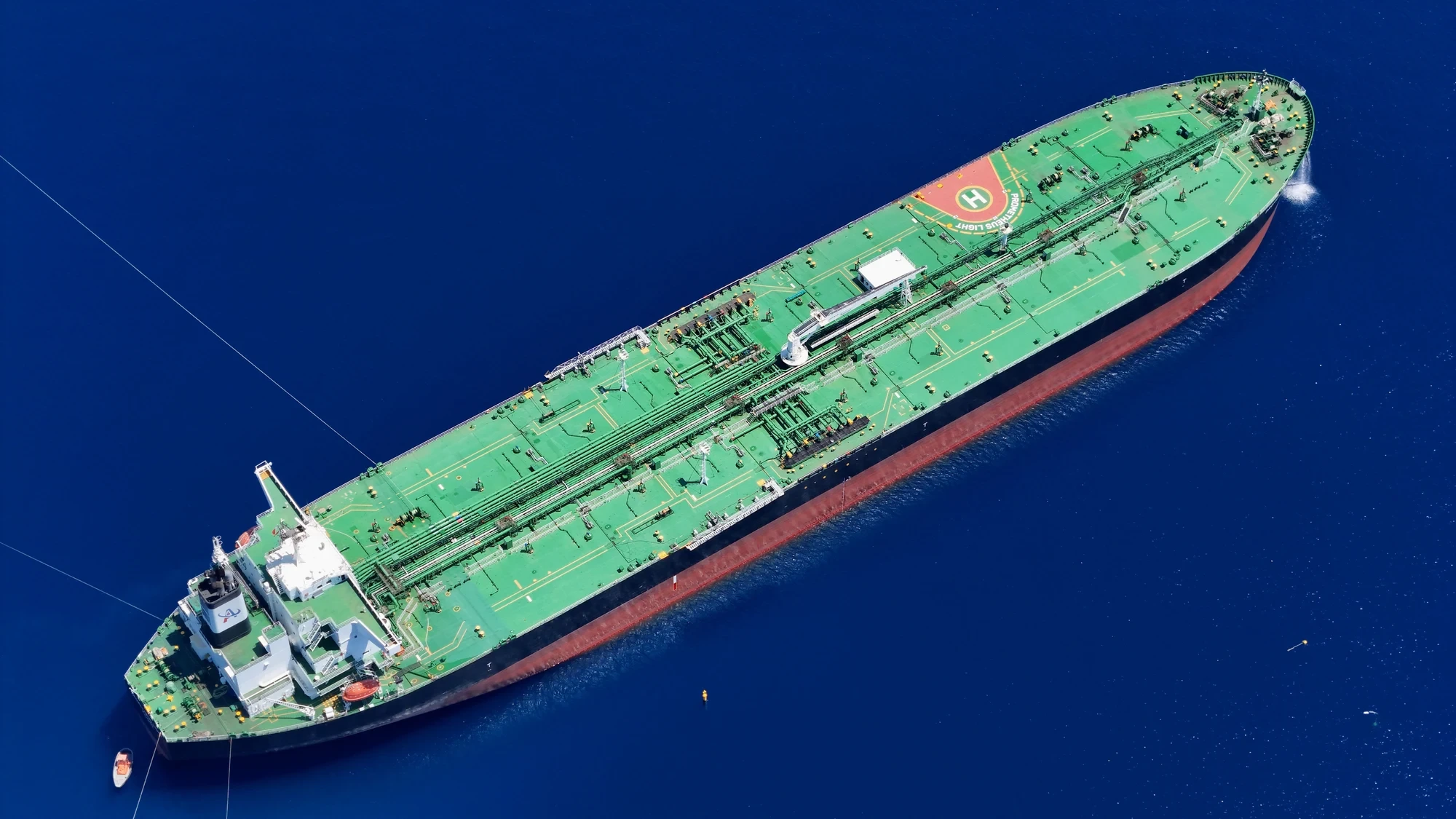
OCIMF set up the SIRE Programme in 1993. In 2022 it revised the inspection process completely and renamed the programme SIRE 2.0. From then on the vessel operator has had to supply additional information through a Pre-Inspection Questionnaire (PIQ).
The PIQ does more than give the inspector background. It is an input to the question set the ship will receive. This article reads who writes the PIQ and when, the moment it is fixed, and which answers affect the question set.
Scope: The process in this article works inside the OCIMF SIRE 2.0 Programme. According to page 4 of the operator document, a SIRE 2.0 inspection requires the ship to be registered as a Tanker and to have a photograph template assigned. It is not a procedure common to all ships. The sources are the PIQ instructions, version 1.0 (April 2022), and the vessel operator process document, version 1.0 (March 2023).
The operator keeps one PIQ per ship
The PIQ is not a paper attached to a single inspection. Page 4 of the PIQ instructions describes it as a living document created and maintained for each ship in the fleet. The operator can change it at any time. Every user in the operator account can view it, and editing requires the PIQ management role.
One aim of the PIQ is to reduce the time the inspector spends collecting data on board. Responsibility for the information moves to the operator to the same extent. Page 3 of the PIQ instructions puts it this way.
the responsibility for providing accurate vessel information rests with the vessel operator
The first question is the vessel type. Selecting it removes the questions that do not fit the ship (PIQ instructions, page 5). If the type is changed later, answers to questions the new type does not have are deleted automatically. The structure of chapters, sections and questions matches the SIRE 2.0 Question Library.
The operator supplies more than the PIQ
The PIQ review screen has the operator confirm five things together (operator document, pages 25 and 26). The table below condenses them.
| Data | What it holds | What to confirm before signing |
|---|---|---|
| PIQ | Operational history and static data | Is the required information filled in? |
| Ship photographs | Photographs by standard location | Are they uploaded and representative of the ship? |
| Ship certificates | Copies of the mandatory certificates | Are they uploaded and all in date? |
| HVPQ | Ship particulars | Is it in a published state? |
| Crew Matrix | Crew information | Will it be updated before the inspection? |
The documents count these differently. Page 3 of the PIQ instructions counts four areas: PIQ, certificates, HVPQ and photographs. Page 11 of the operator document counts three: PIQ, photographs and certificates. Yet the HVPQ is also used to create conditional questions and is part of the signing step (operator document, page 26). So touching up only the PIQ and signing does not finish the review.
Photographs have a time standard. In the status display on page 5 of the operator document, the best level means every location has a photograph and each one was taken or validated again within the last six months.
The declaration signature creates the question set
The operator document gives this order.
- The operator creates an inspection request in the SIRE account. It enters details such as the inspection location, the period at the terminal and the cargo, and picks up to five Submitting Companies in order of preference (pages 7 to 9).
- The request goes first to the company ranked first. An invitation lasts 72 hours only and then passes to the next company. If nobody responds, the request is cancelled and a new one has to be created (page 9).
- When a Submitting Company accepts, a booking exists and the operator is told that a pre-inspection declaration is required (page 10).
- On the PIQ review screen the operator ticks each area and selects
Sign Declaration(page 26). - The signature triggers the creation of the CVIQ (Compiled Vessel Inspection Questionnaire) (page 11). The CVIQ goes to the assigned inspector’s tablet (page 27).
A snapshot of the data is taken at the moment of signing as well. According to pages 3 and 4 of the PIQ instructions, that snapshot goes into the inspection and its audit trails. Editing the ship’s PIQ afterwards leaves the snapshot as it was. Before the signature there is no CVIQ.
The timing of the signature is a recommendation in OCIMF’s participation document. Page 7 of SIRE 2.0 Conditions of Participation, version 1.0 (June 2023), recommends finishing the PIQ update and the operator declarations at least 48 hours, and ideally at least 96 hours, before the inspection is planned to start. Late declarations may lead to the booked inspection being cancelled. The operator sets its own minimum times for the inspection request and the declarations in its procedures.
PIQ answers reach the inspection by two routes
Page 12 of the operator document divides the effect of PIQ answers on the question set in two.
| Route | What happens | What the inspector does |
|---|---|---|
| Conditional question trigger | A particular answer brings a conditional question into the inspection | Verifies the content shown beside the question |
| Core and Rotational question update | The answer content is placed on the question’s Operator-Supplied Content tab |
Verifies that content during the inspection |
The example the document gives is a mooring audit by shore staff. The operator enters the operations audited and the period in the PIQ. That period and those operations appear beside the conditional question, and the inspector verifies them during the inspection. In other words, what is written in the PIQ becomes something to be checked.
Some information goes straight into the Unvalidated PIQ data section of the final report (page 12). The PIQ itself, however, is not given to report recipients as a standalone document (page 11). Which route each question takes is set out in the document SIRE 2.0 Question Library Question Programming Attributes.
The questions in Appendix 1 of the PIQ instructions group into these subjects.
| Chapter | Kinds of information asked |
|---|---|
| 1 | Vessel type |
| 2 | Class visits, superintendent inspections, tank inspection intervals, condition assessment, management of change, recent PSC inspections |
| 3 | Complement, shore assessments and audits, shore-based training, drug and alcohol testing |
| 4 | Primary means of navigation, VDR data retention, minimum under keel clearance |
| 5 | Fixed fire extinguishing systems, gas detection, incidents and near misses in the past 12 months, safe access |
| 6, 7, 8 | Ballast water management system, maritime security, cargo systems |
| 10 | Emergency power, exhaust gas cleaning, oil analysis, crankcase protection |
| 12 | Polar certificate, ice notation, ice navigation training |
The appendix has no Chapter 9 or Chapter 11. Many questions ask by period, such as the past 12 or 18 months. So an answer that was right last year can be wrong at this year’s signature.
After the signature, PIQ information bound for the report cannot be corrected
Page 13 of the operator document makes the accuracy of PIQ information for the final report the sole responsibility of the operator. Once the declarations are complete and the CVIQ is generated, that information cannot be corrected. Page 33 goes a step further. If a published report is inaccurate it cannot be reopened and corrected, and the only option left is withdrawing the report. Inaccurate information supplied by the operator through the PIQ is included.
A hypothetical case separates the moments. Suppose that on a hypothetical product tanker the operator signed on Monday and on Wednesday found a wrong end date entered for a superintendent inspection.
| When it is found | What can be done |
|---|---|
| Before signing | Correct the PIQ and review again |
| After signing, before the inspection | The ship’s PIQ can be edited, but this inspection’s snapshot does not change |
| At the draft report stage | Raise the amendment with the Submitting Company outside the system. It can reopen the draft |
| After publication | Only withdrawing the report remains |
The document does not say whether the route in the third row can reach the information page 13 says cannot be corrected.
Worth confirming
This article is based on version 1.0 of the PIQ instructions and version 1.0 of the operator document. Page 7 of the operator document contains SIRE 2.0 Transition Inspection, wording from the phased implementation. Confirm the actual screens and process against the current OCIMF editions.
Question numbers also differ between the documents. Page 12 of the operator document numbers the mooring audit question 3.15, while the PIQ instructions appendix places the same subject at 3.2.7. Confirm numbers in the actual PIQ editor.
Some things are not covered by this article. The two documents do not state the acceptance criteria of Submitting Companies. The full mapping of which PIQ question opens which conditional question is not covered here.
You can consult the cited source documents
These links lead to the official publishers of the documents discussed here. Match the edition and provisions cited in the article, and check subsequent amendments and flag-state implementation before applying them.
- OCIMF · SIRE 2.0 Instructions for Completing the Pre-Inspection Questionnaire
- OCIMF · SIRE 2.0 Inspection Management Processes - Vessel Operator
- OCIMF · SIRE 2.0 Conditions of Participation, Policies and Procedures
Continue with the related operational guidance
Before signing the declaration, the operator checks again that photographs and certificates are current. Bellbook shows for each location whether a photograph is missing, is more than six months old or the equipment is not fitted, and warns before ship certificates fall due. The PIQ itself is completed and submitted directly in the OCIMF system.
Start for freeRelated reading
- SIRE 2.0 time limits from inspection request to report publication and the conditions for cancellation and withdrawalInspections and audits
- SIRE 2.0 standard photograph set locations, the six-month refresh and how photographs are compared during inspectionInspections and audits
- The Hardware, Process and Human axes of a SIRE 2.0 negative observation and the SOC and NOC classificationInspections and audits